From diesel generators to solar panels and wind energy, spanning applications in hospitals, data centers, industrial manufacturing, switchboards, and air traffic control, the seamless flow of power is paramount. Ensuring efficiency, safety, and environmental sustainability is crucial.
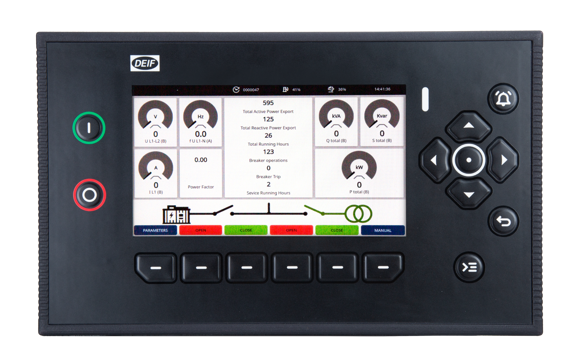
At DEIF, we specialize in providing cutting-edge solutions for controlling and safeguarding power systems. Our intelligent and flexible generator controllers and wind turbine controllers enhance power generation efficiency without adding to environmental impact. Utilizing highly configurable electric switchboards, we direct power precisely, ensuring uninterrupted uptime. Our user-friendly bridge instrumentation also enables ships to navigate safely and efficiently, minimizing fuel consumption.
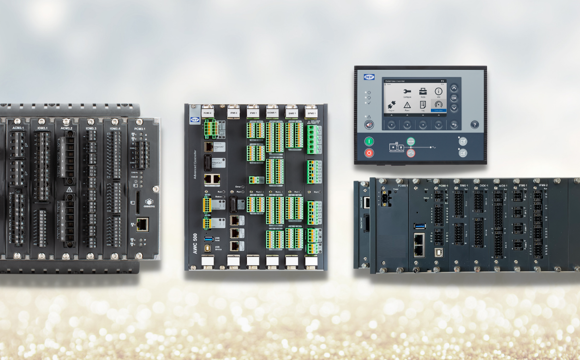
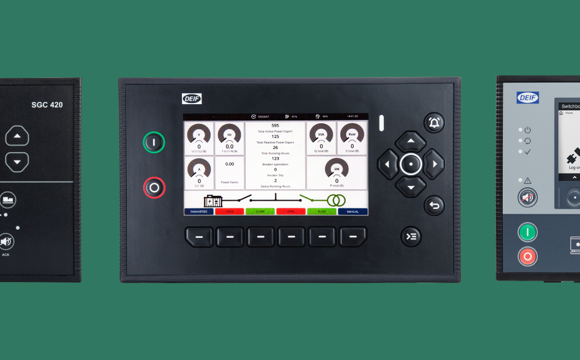
DEIF offers comprehensive control and reliable protection solutions tailored to your needs. Our range includes genset controllers, PLCs, advanced power management solutions, electrical switchboards, and state-of-the-art wind power technology. Contact us to discover how our solutions can elevate the performance of your applications.